Platforms and downloads
Use Qurannotate on the web, iPad, iPhone, Android, Mac and Windows.
Last updated 27 September 2026
Qurannotate works on:
- —Web: open app.qurannotate.com in a modern browser and sign in. No install needed.
- —iPhone and iPad: the Qurannotate app for iOS.
- —Android: the Qurannotate app for Android phones and tablets.
- —Desktop: the Qurannotate desktop app for Mac (Apple silicon and Intel) and Windows.
The main website is qurannotate.com; the app itself lives at app.qurannotate.com.
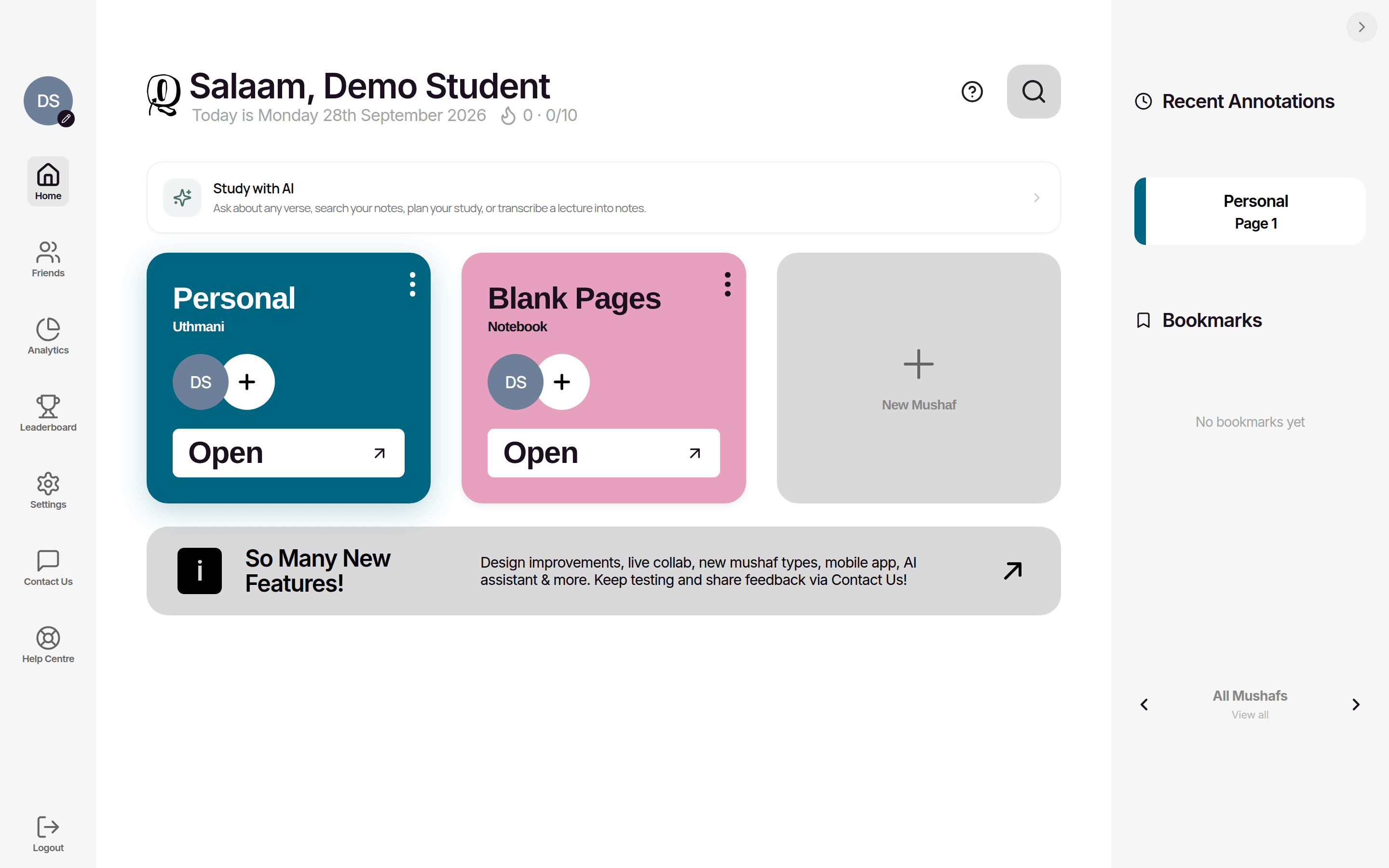
One account everywhere
Sign in with the same account on every device. Your mushafs, notebooks and notes sync between them. A membership bought on one platform unlocks Qurannotate on every platform you sign in to with that account.
What differs by platform
- —Working offline: the iPhone/iPad, Android and desktop apps save your edits on the device and sync them when you reconnect. The web app needs an internet connection to save changes. See "Offline use and sync".
- —Exported files: on iPhone/iPad and Android, exports open your device's share sheet. On desktop you get a Save dialog. On the web the file downloads through your browser.
- —Apple Pencil: double-tap on Apple Pencil switches between Pen and Eraser in the iPhone/iPad app.
- —Push notifications and study reminders: iPhone/iPad and Android apps only.
- —Recording system audio for lecture transcription (a call or video playing on your device): web browser and desktop app only.
- —Buying a membership: handled by Apple on iPhone/iPad, by Google Play or card payment on Android (depending on your app version), and by secure card payment on web and desktop. See "Plans, trial and pricing".
- —Desktop menus: the desktop app has a menu bar. File > New Mushaf (Cmd/Ctrl+N) starts a new mushaf, and View > Zoom In / Zoom Out / Reset Zoom changes the size of the whole window.
Keeping up to date
Use the latest version of the app from your app store or the desktop app. Many problems are fixed simply by updating.
Related Articles
Was this helpful?
Ready to annotate the Qurʼān?
Qurannotate is free to start — no sign-up required on web.