Dashboard, friends, streaks, goals, leaderboard and analytics
Your dashboard: friends, streaks, daily goals, the leaderboard and study analytics.
Last updated 27 September 2026
The dashboard
When you open Qurannotate you land on the dashboard:
- —A greeting with the date and your streak chip (flame, streak count and today's annotations towards your goal). Tap it to open Streaks.
- —A search icon to explore the Qur'an by surah, juz, page or verse.
- —The Study with AI card (see "The AI Study Assistant").
- —Your mushaf and notebook cards, plus the New Mushaf card.
- —Recent Annotations (the last page you were on in each mushaf) and Bookmarks. These are on the right on desktop and further down on phones.
Getting around:
- —Desktop/tablet left sidebar: Home, Friends, Analytics, Leaderboard, Settings, Contact Us (plus Logout).
- —Phone bottom bar: Home, Friends, Leaderboard, Analytics, Profile.
Friends
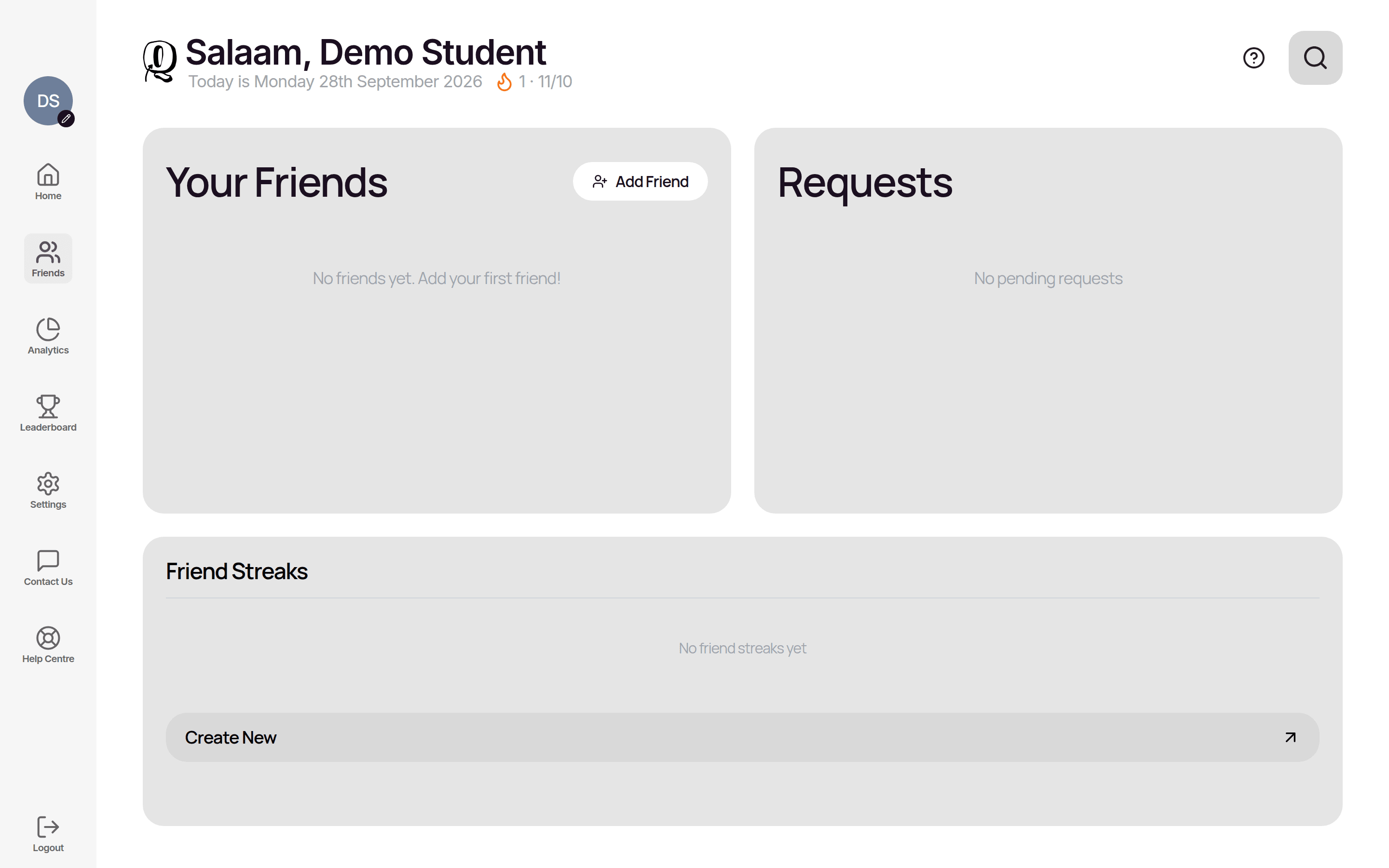
Open Friends to see Your Friends, Requests and Friend Streaks.
- —Add a friend: tap Add Friend, enter their Email Address, and tap Send Friend Request. If they don't have an account yet, they're sent an invitation email.
- —Requests: accept or decline friend requests and invitations to collaborate on a mushaf here. A badge on Friends shows how many are waiting.
Streaks and daily goal
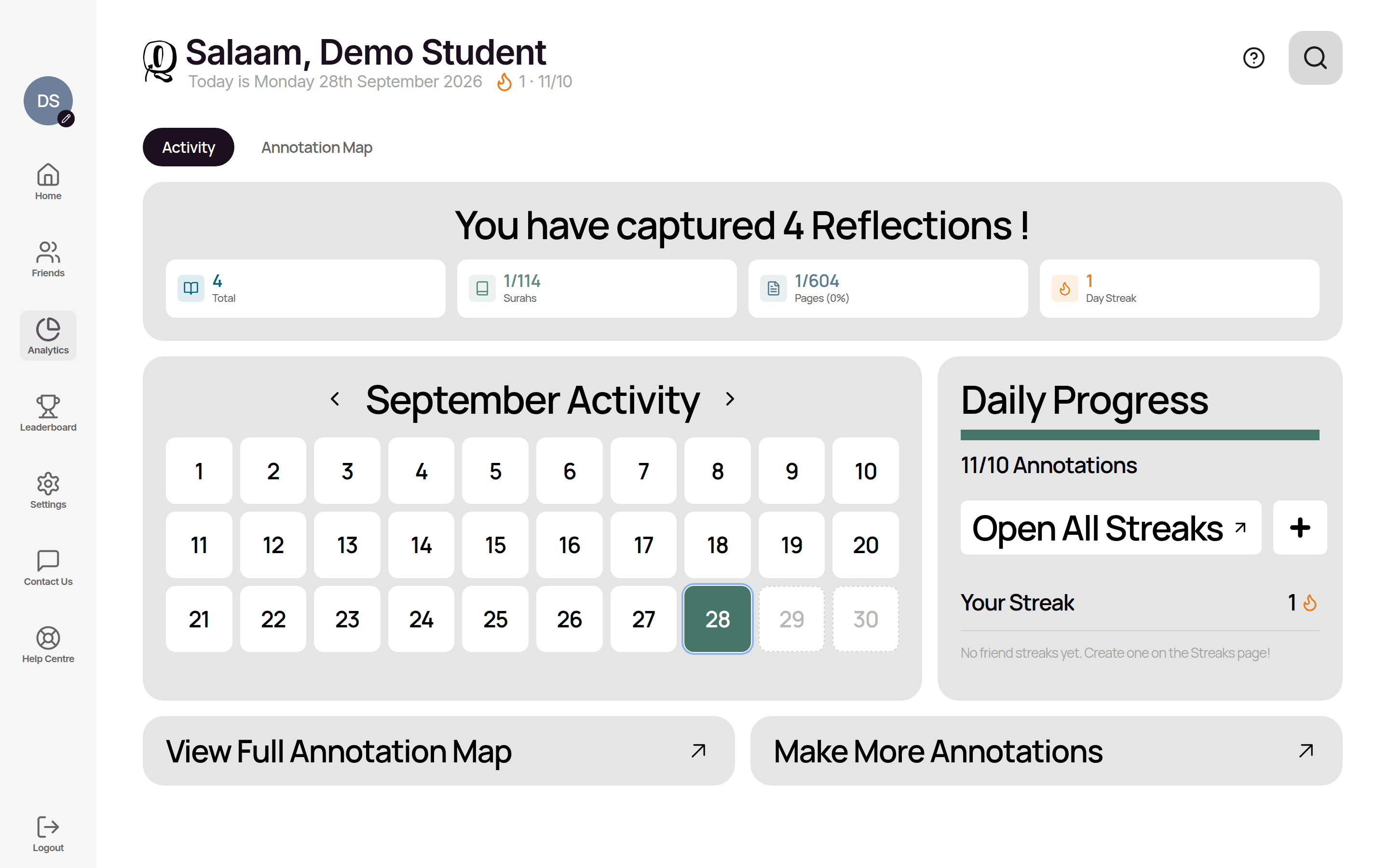
- —Qurannotate Streak: the number of days in a row you've made at least one annotation.
- —Daily Goal: how many annotations you aim for each day (default 10, anything from 1 to 100). Change it with Update Daily Goal on the Streaks page.
- —Friends Streak: a streak shared with one friend, where you both need to annotate every day. Create one with Create Friends Streak.
- —If you've connected Quran Foundation, your Quran Foundation streak and goal also appear here.
You'll see a celebration when you reach your goal or a streak milestone.
Leaderboard
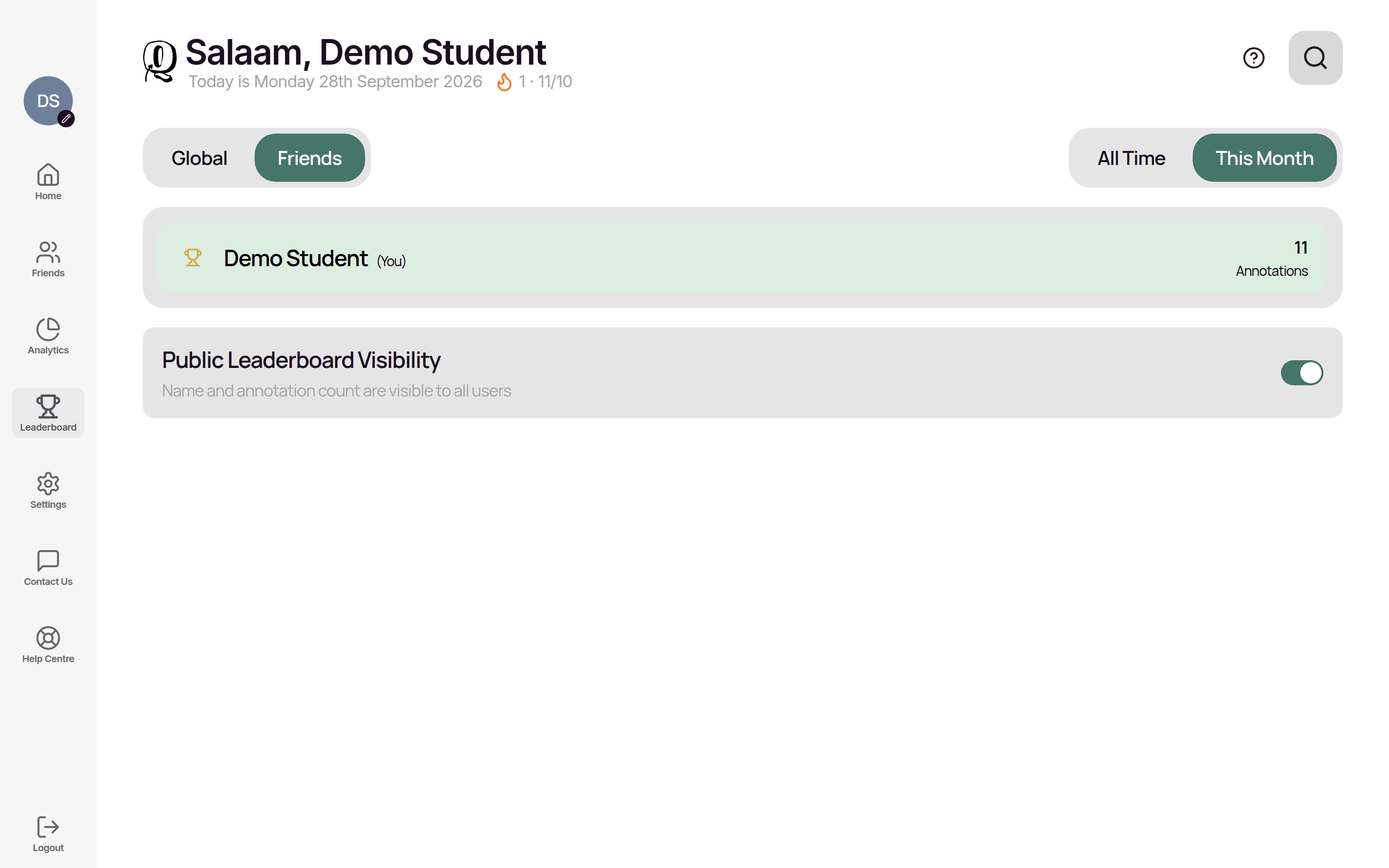
Rankings are based on how many annotations people have made. Switch between Global and Friends, and All Time and This Month. Jump to Me finds your position.
- —Hide yourself: turn off Public Leaderboard Visibility (on the Leaderboard page or in Settings > Account). Your name and annotation count are then hidden from the public leaderboard.
- —Report user / Block user are available on leaderboard entries if something's inappropriate.
Analytics
Analytics has two tabs:
- —Activity: a monthly calendar of the days you studied, your streak and daily progress.
- —Annotation Map: where all your notes are, by surah and page (see "Annotating the Qur'an").
Related Articles
Was this helpful?
Ready to annotate the Qurʼān?
Qurannotate is free to start — no sign-up required on web.