Importing files (PDF, images, Word, PowerPoint, notes)
Import PDFs, images, Word and PowerPoint files, or exported notes, and annotate them.
Last updated 27 September 2026
Turn a file into a notebook you can write on
Supported files: PDF, images (JPG, PNG, WebP), PowerPoint (.ppt/.pptx) and Word (.doc/.docx).
From the dashboard:
Tap New Mushaf, then Import.
Drag and drop a file, or click to choose one.
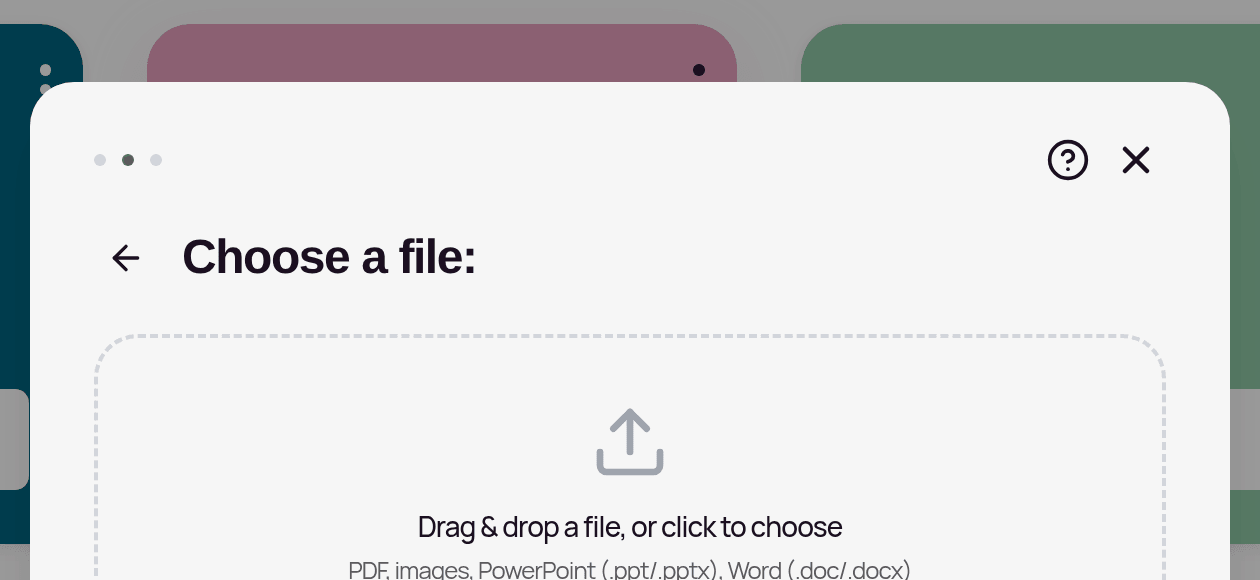
For a PDF, Word or PowerPoint file, choose under Import as (images always become Canvas pages): — Canvas Notebook: draw freely on each page. — Doc Notebook: type notes around each page.
Continue, name it, and tap Create Notebook. The notebook opens and fills up page by page.
Inside an existing Notebook:
- —In the sidebar, New Notebook > Import File, or
- —on desktop, the Import file button on the page strip, to add pages to the current notebook.
Keep the app open while it imports. You'll see progress such as "Creating page 3 of 12". Word and PowerPoint files are converted online, so they need an internet connection. If you see "Unsupported file type", use PDF, images, PowerPoint or Word.
Put a PDF or image onto any canvas
In a Qur'an note or Canvas page, use Insert > PDF onto canvas, Insert > Image or Insert > Paste image.
Bring notes into a Qur'an mushaf
To import notes you've written elsewhere into a Qur'an mushaf:
Open the mushaf and choose More actions > Import notes.
Drop one or more files: PDF, DOCX, Google Docs export, Notion export, Markdown, HTML, TXT, JSON or ZIP.
Review them together, then add them in one go. You can Undo batch afterwards, or Resume previous review if you stopped part-way.
Limits: up to 40 MB and 800 pages per file. ZIP files can hold up to 200 files (100 MB in total).
Inside a Notebook, Import File also offers Portable notes (Markdown package, DOCX, HTML or JSON manifest) for bringing back notes exported as a Structured Package.
The Import notes option isn't shown to viewers of someone else's shared mushaf.
Related Articles
Was this helpful?
Ready to annotate the Qurʼān?
Qurannotate is free to start — no sign-up required on web.